01 — Observe
See what actually changed
Compare the current scan with the devices your home already knows.
Detriment turns a home Wi-Fi scan into one clear action, evidence you can understand, and a private record of the devices you trust.
No account. No ads. Full identifiers stay on your iPhone.
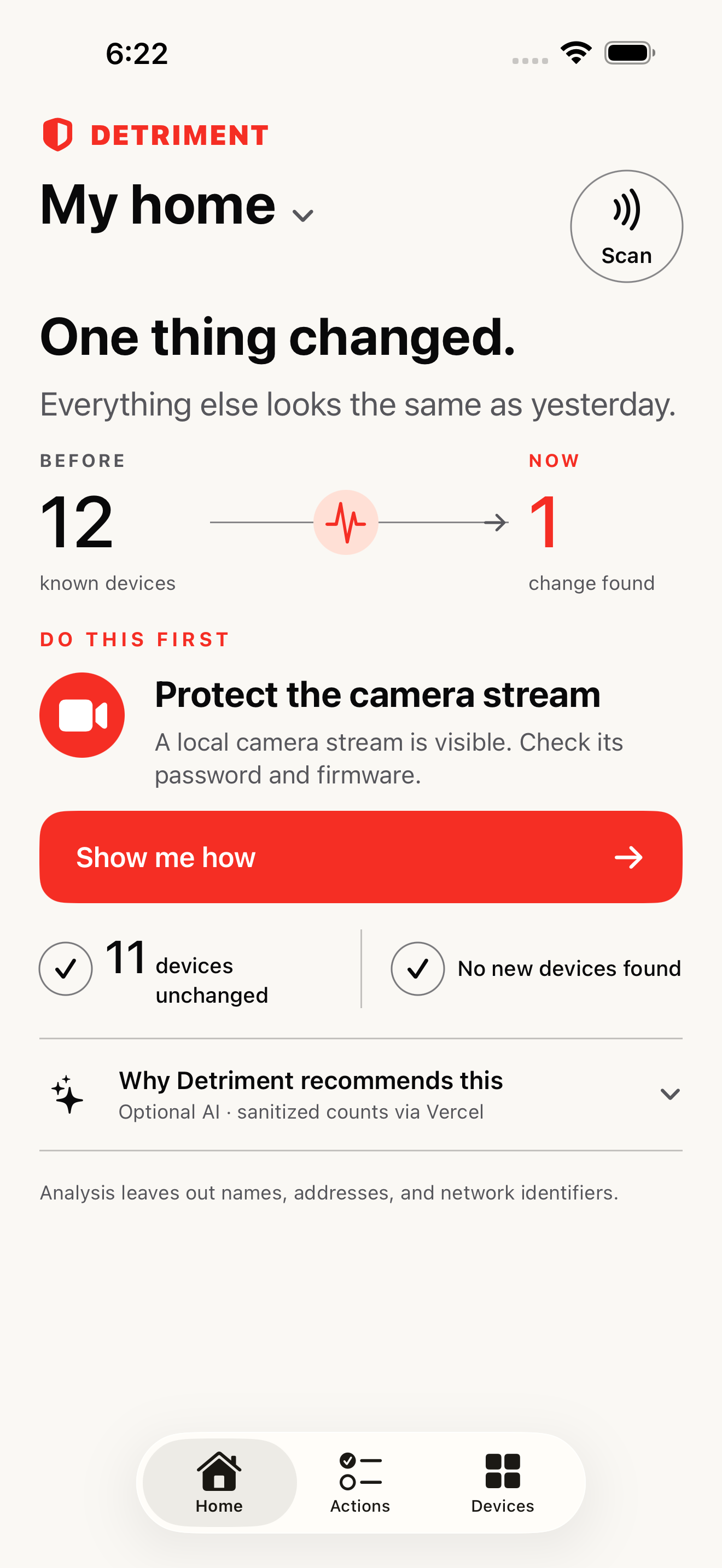
One change surfaced. Everything else stays quiet.
01 — Observe
Compare the current scan with the devices your home already knows.
02 — Act
Start with the clearest evidence instead of a wall of warnings.
03 — Recheck
Scan again to confirm the observable change—without false certainty.
One thing changed
Detriment keeps familiar devices in the background and brings forward the single change most worth checking now.
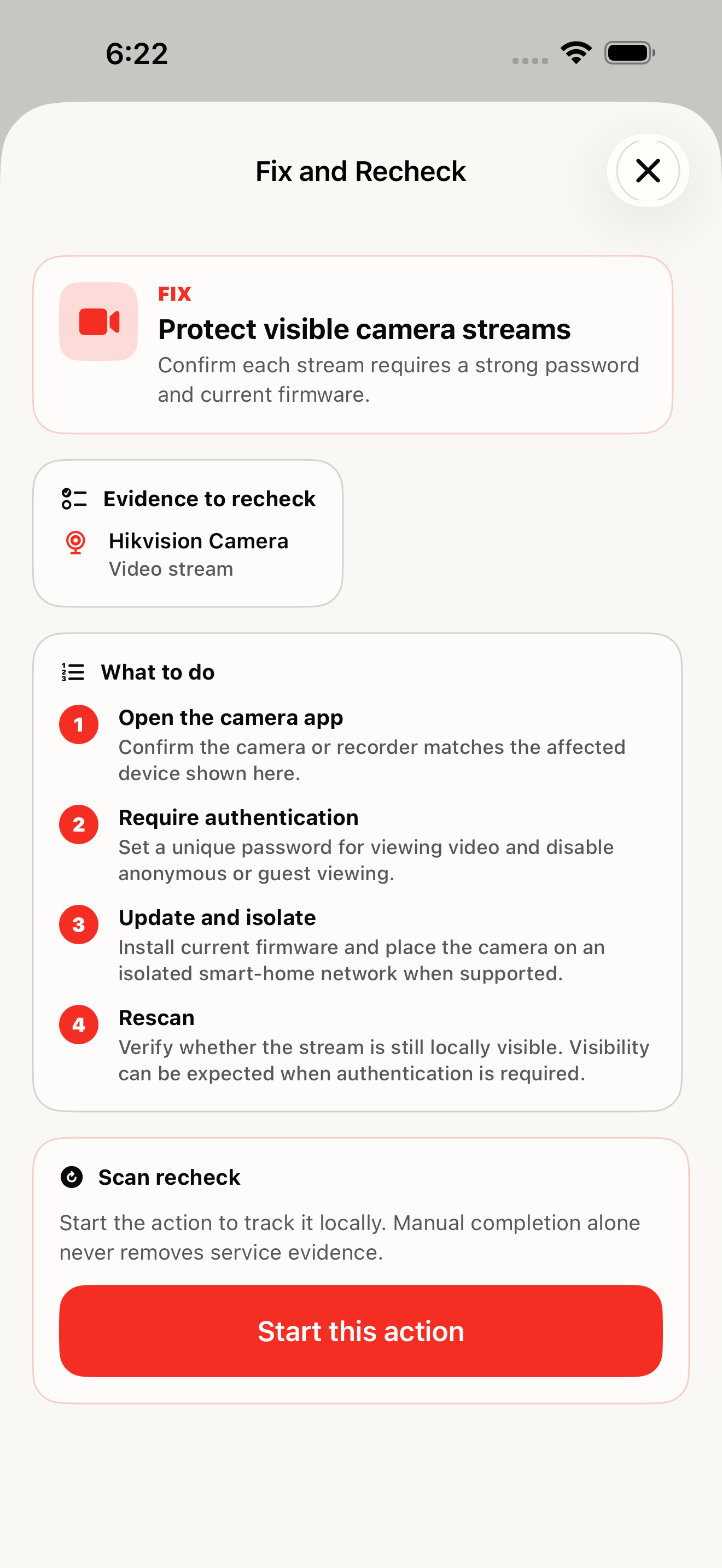
Your plan
Each action starts with observed evidence, uses steps you can reverse, and ends with a scan that checks only what your network can actually reveal.
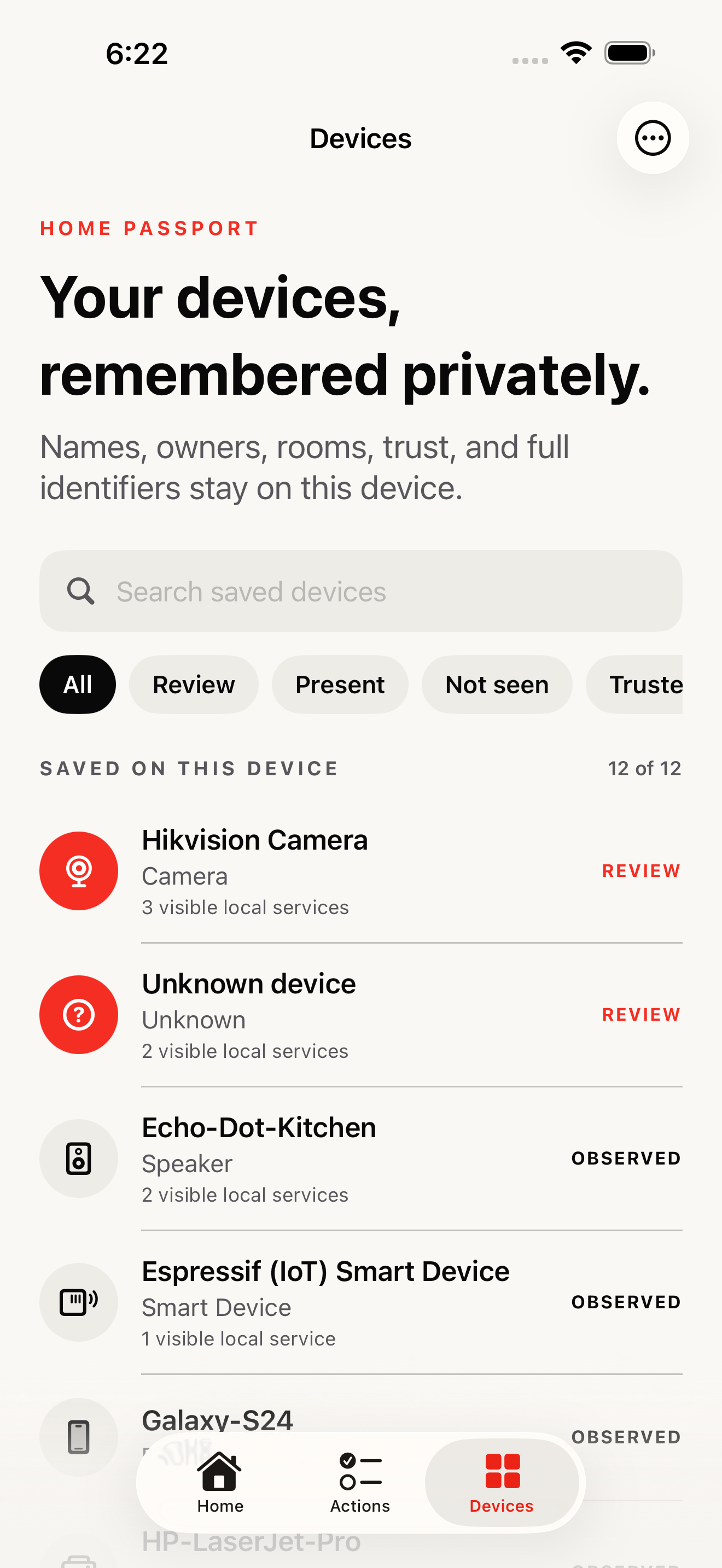
Home Passport
Give devices useful names, remember rooms and owners, and separate what you trust from what still needs review. The complete record stays on this iPhone.
A hard privacy boundary
Full device names, network names, addresses, and hardware identifiers stay on your iPhone. Optional AI explanations use only sanitized categories and small counts.
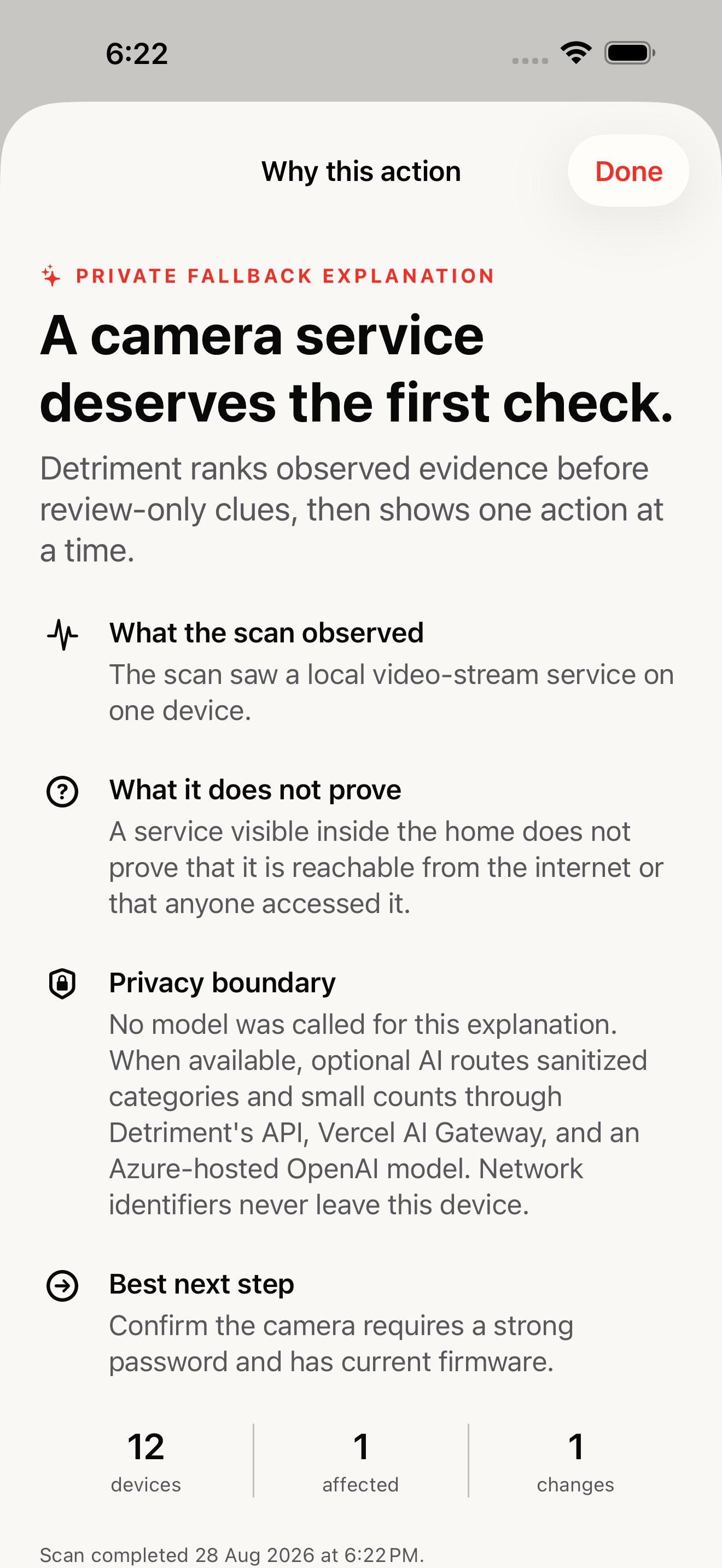
When available, optional AI is routed through Detriment’s API and Vercel AI Gateway to an Azure-hosted OpenAI model. If the verified privacy or budget boundary is unavailable, Detriment returns a deterministic explanation without calling a model.
Clear answers
Detriment is a free iPhone and iPad app that scans your home Wi-Fi, shows what changed, prioritizes one evidence-backed action, and remembers known devices in a private Home Passport.
No. Detriment has no account, ads, subscription, or tracking SDK.
Full device names, network names, local IP addresses, full MAC addresses, owner and room labels, and scan history stay on the device. Limited manufacturer prefixes and visible port numbers may be sent for intelligence lookups.
No. Detriment reports evidence observable from the local network. A visible local service does not prove internet exposure, intrusion, or access by another person.
AI explanations are optional and use sanitized categories and small counts, never household identifiers. If Detriment cannot verify its privacy or budget boundary, it returns a deterministic explanation without calling a model.
Scan locally. See what changed. Take one careful action. Keep the record on your device.
Download Detriment on the App Store